
Office and Multi-Location Teams
Evaluate calling across desk phones, computers and mobile devices with centralized administration for business hours, users and routing.
Explore CFC’s provider network across communications, internet, cybersecurity, and managed networking, including Meter and Vigilant. Compare relevant options through one contact.

Providers / GoTo
GoTo Connect Business Phone Systems
Give your team a business phone system that works at the desk, on a computer and on the go. CFC helps you compare GoTo calling, call routing, devices and AI—then coordinates the provider legwork.
Get a GoTo QuoteTalk With CFC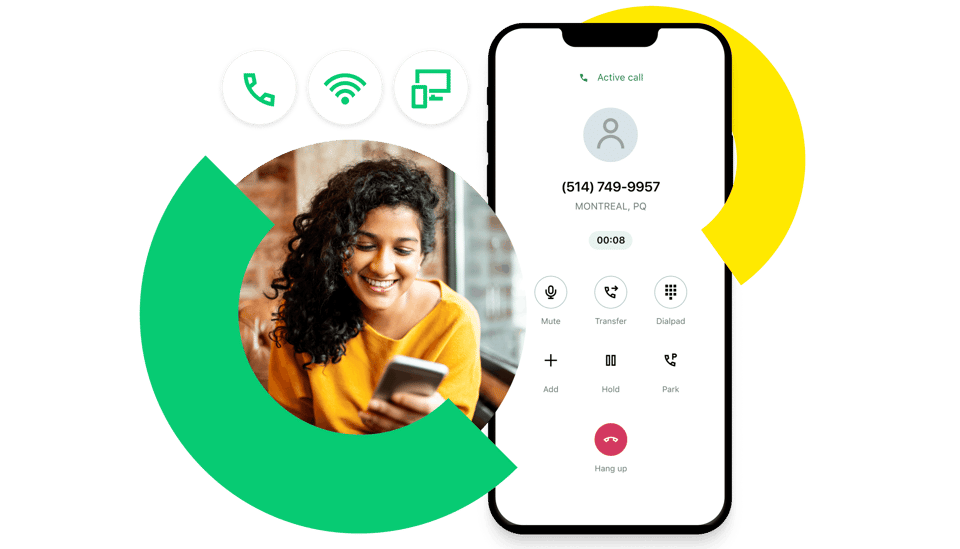
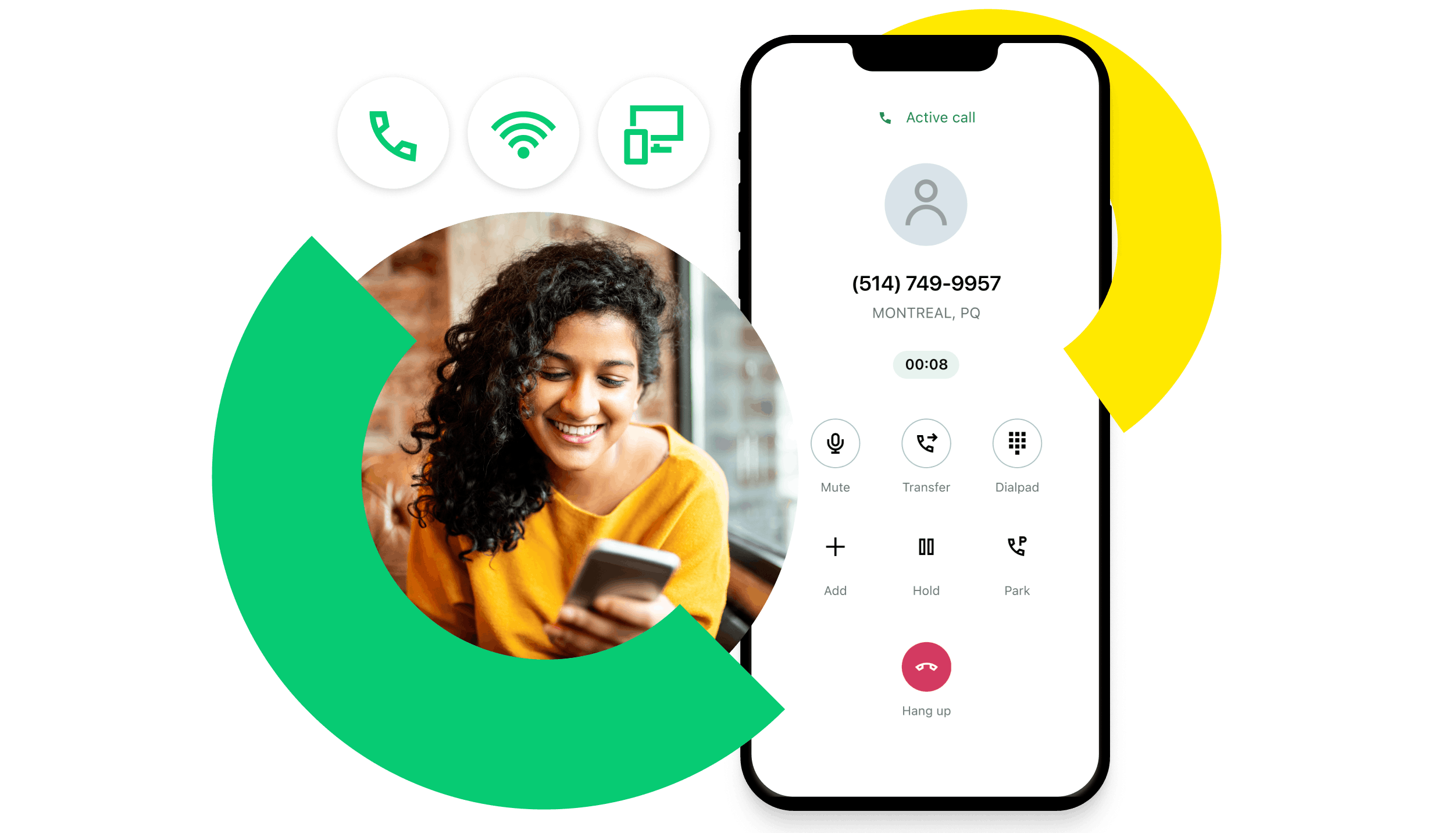
Your Business Number. Your Choice of Device.
Give office staff a desk phone, equip mobile employees with the GoTo app, and plan shared phones for common areas. Match each workspace to the right calling license and device.
Bring your reception, transfers, voicemail and after-hours call flow into the comparison so the new system fits how you actually work.
Get a GoTo QuoteMake the Day-to-Day Easier
Evaluate calling across desk phones, computers and mobile devices with centralized administration for business hours, users and routing.
Bring your current menus, holiday schedules, ring groups and overflow rules. See how changes are made in the visual dial plan editor.
Compare everyday calling with customer engagement and contact center capabilities. Define which employees need which tools before selecting a package.
GoTo’s visual dial plan editor makes routing a useful place to start your evaluation. Ask to see a caller move through business hours, menu options, queues, overflow and voicemail.
Then change one rule during the demo. The administrator experience matters just as much as the feature list.
Explore Official GoTo Features ↗Official GoTo feature demo · Visual Dial Plan Editor.
Evaluate AI call summaries and transcripts for the conversations your team needs to revisit. Confirm recording, permissions and plan requirements.
Explore AI Receptionist for caller questions, routing and after-hours coverage. Test exceptions and the handoff to a person.
Review the analytics, engagement and contact center tools relevant to your operation. Ask which capabilities are included and which require an add-on.
Official GoTo AI Overview ↗ · AI and contact center products are separate from the basic phone estimate where applicable.
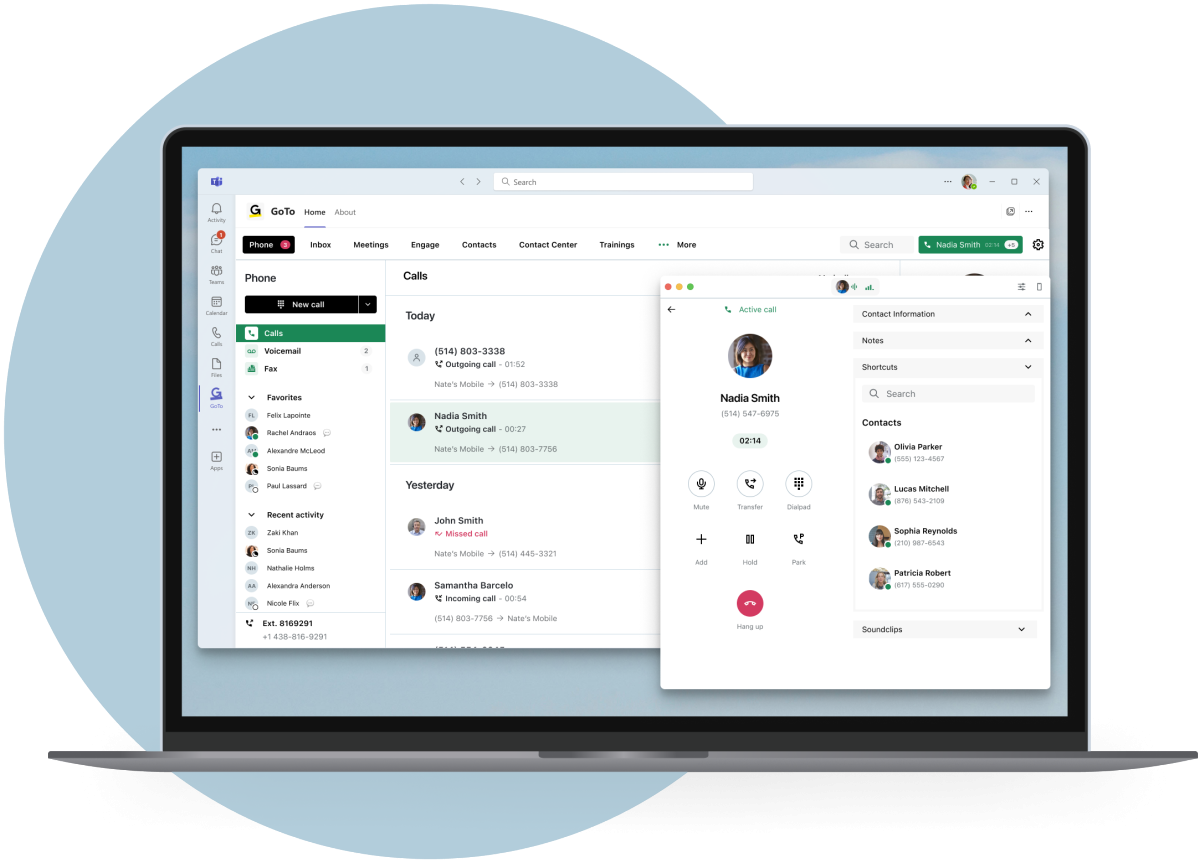
Compare the embedded GoTo app with the Teams Connector / Direct Routing approach. These are different calling experiences with different licensing requirements.
Demonstrate transfers, shared calls, texting and the workflows your people use. CFC helps compare the complete Microsoft and GoTo scope.
Compare Teams Calling Options →Some users need a desk phone; others prefer an app and headset. Shared rooms, paging and physical fax devices need their own inventory and compatibility review.
Check supported models, power supplies, provisioning and purchase or rental terms. Device promotions are verified in your final proposal.
Explore Phones and Communications Options →
Review full users, shared devices, local numbers, toll-free traffic, texting and virtual versus physical fax. Ask which items are included and where usage charges apply.
Define who builds the dial plan, ports numbers, provisions devices, trains users and supports go-live. Confirm your network readiness and emergency-calling setup.
Compare recurring fees and upfront charges, then document promotional eligibility, device ownership, renewal dates and cancellation terms.
Customer First. Before and After the Decision.
Tell CFC what you need once. We coordinate provider questions, focused demos and proposals so your team can spend less time managing sales calls.
Compare licenses, hardware, implementation, fees and renewal terms. We help negotiate the proposal and clarify who is responsible for each step.
We help coordinate deployment, address billing discrepancies, escalate provider issues, provide renewal notices and share relevant product updates.
Estimate the core calling scope, then let CFC verify the complete proposal and demonstrate the workflows that matter to your team.
Get a GoTo QuotePlan a GoTo Demo